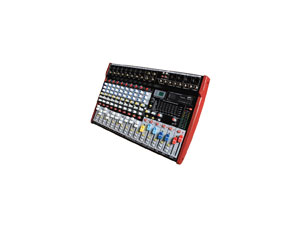
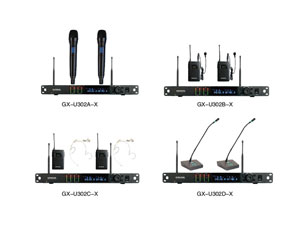
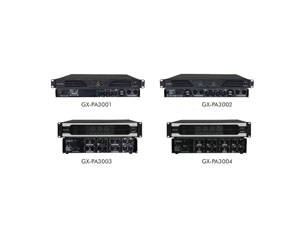
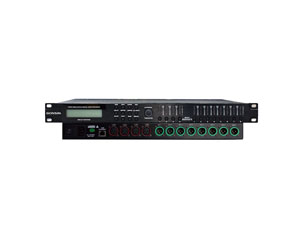
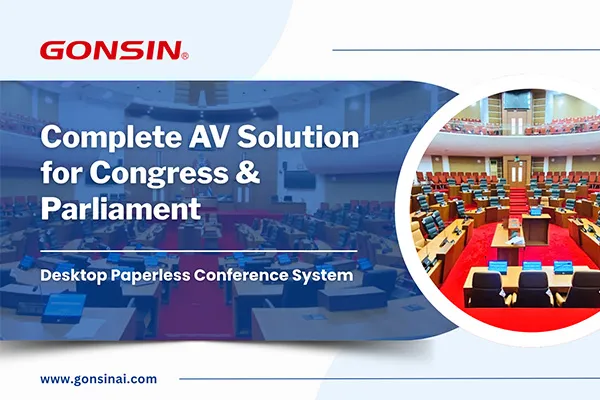
In today's tech-driven world, effective audio visual installation is imperative for businesses, educational institutions, and places of worship. Mastering the integration of conference room AV equipment such as conference room microphone and speaker systems, sound processors, and various wireless conference microphone setups can streamline communications and elevate presentation experiences. This guide will walk you through the planning, required tools, common setups, troubleshooting techniques, and essential safety tips to make your audio visual system robust and efficient.
Planning Steps
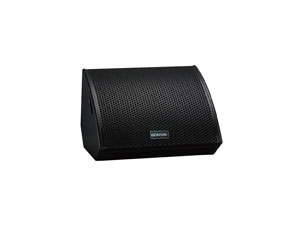
Before initiating an audio visual installation, proper planning is key. Define the purpose of your audio visual setup, whether it's for a conference room audio visual systems, a church audio visual installation, a commercial audio video application, or a comprehensive conference center audio visual equipment suite. Identify the necessary equipment, such as wedge speakers, array microphone systems, and translation equipment for simultaneous interpretation.
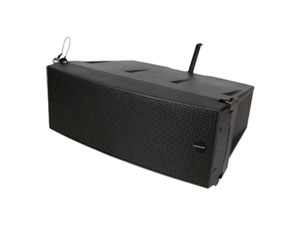
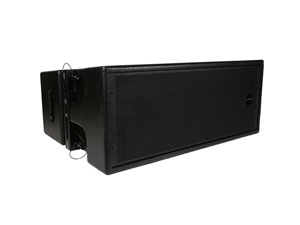
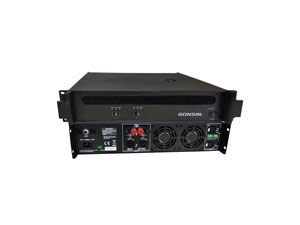
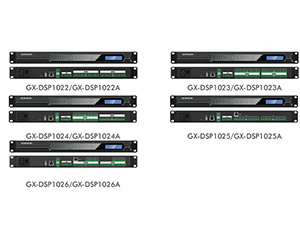
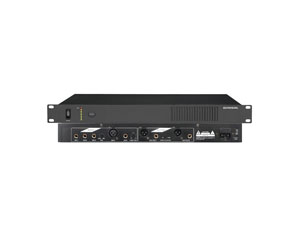
Creating a detailed AV plan includes mapping out the layout, understanding the acoustics of the room, and deciding on equipment placements. For example, array speaker systems are ideal for spaces that require even distribution of sound and can be effectively paired with a digital audio processor for enhanced sound clarity.
Tools Needed
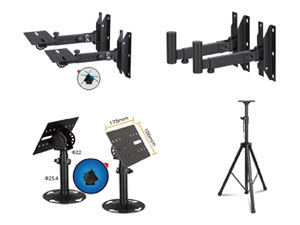
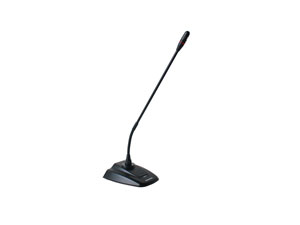
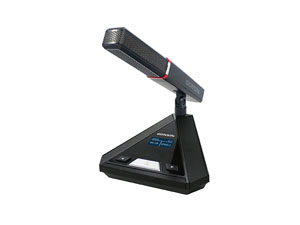
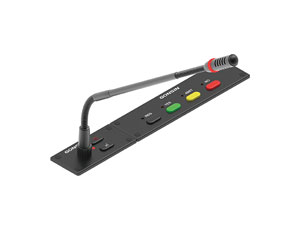
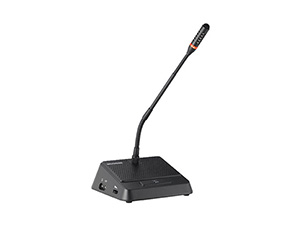
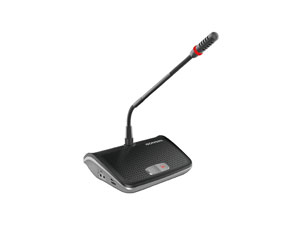
The installation of an audio visual system requires specific tools to ensure precision and safety. These include power drills, cable testers, network analyzers, and multimeters to measure electrical currents. A dual microphone stand may also be necessary for conference microphone systems. A speaker volume control switch is recommended for easy management of speaker volume levels in different zones.
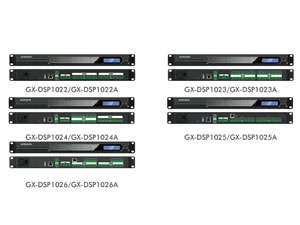
Additionally, possessing an audio digital signal processor can significantly improve the integration process by managing audio signals and eliminating background noise via mic noise cancellation technology. The ASR software and ASR system are also pivotal in environments that require voice recognition capabilities, enhancing communication efficiency.
Common Setups
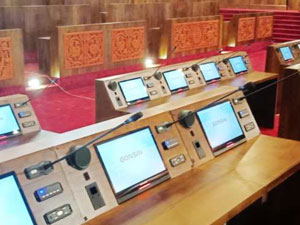
Various setups suit different needs and environments. A meeting room audio visual equipment configuration may include conference room speakers, commercial audio visual solutions, and AV Integration solutions customized by a system integrator.
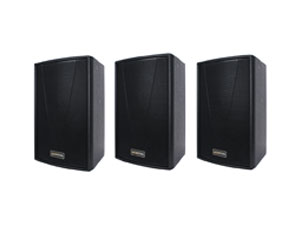
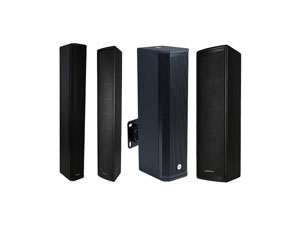
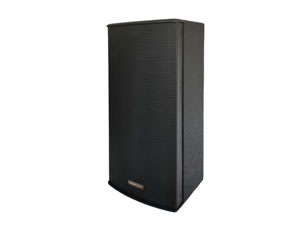
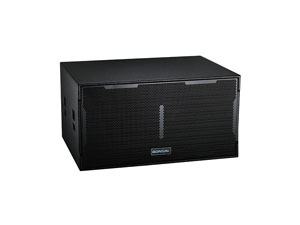
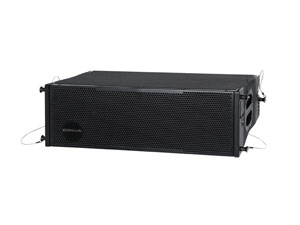
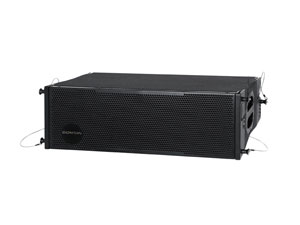
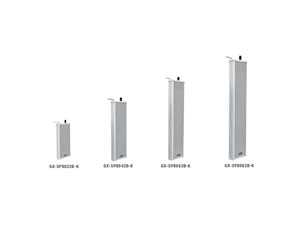
For larger venues, such as conference halls or auditoriums, installing a column PA system with line array speakers for sale can offer comprehensive coverage and clarity. In contrast, smaller areas can benefit from a 8 inch box speaker or a 12 inch box speaker paired with a conference room audio system for powerful sound distribution.
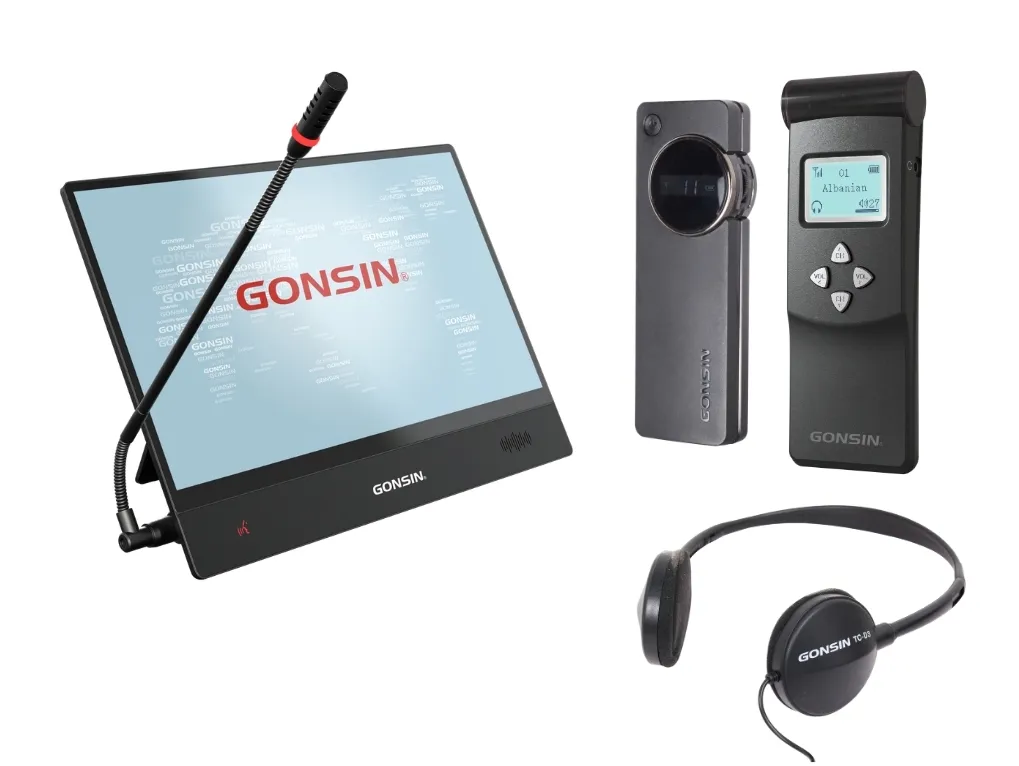
Integrating a camera tracking system and simultaneous translation device allows for enhanced interactive experiences and meets multilingual needs during events.

.jpg "/uploads/image/2025/11/14/标准模型 翻转无纸化-圆桌 (3).jpg")
Troubleshooting
Common issues in audio visual systems can emerge, requiring swift troubleshooting. Problems such as feedback loops from conference mic systems or inconsistent sound levels can often be resolved by recalibrating the digital sound processor or adjusting speaker volume control switches.
If visual equipment malfunctions, checking the connections and performing software updates on audio visual equipment may resolve issues. In cases where simultaneous interpretation equipment encounters connectivity problems, verifying network configurations and integrated data alignments can prevent future disruptions.
Safety Tips
Ensuring safety during commercial audio visual installation is paramount. Follow manufacturer instructions when handling commercial audio video installation components and ensure equipment is securely mounted. Utilize protective gear to safeguard against electrical hazards.
Inspect all audio visual integration connections to prevent short circuits. Implementing a column loudspeaker requires secure attachment to prevent tipping hazards, emphasizing the importance of following proper weight limits and anchor placements.
Component | Safety Measure |
Cables | Use cable management to prevent tripping hazards. |
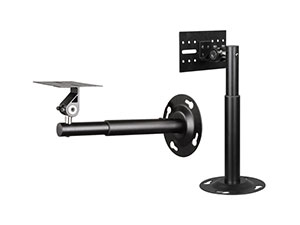
Speakers | Ensure secure mounting to walls or stands. |
Microphones | Perform regular connectivity checks. |
Displays | Calibrate regularly to reduce strain. |
Educational spaces using conference room AV solutions need particular vigilance to protect students and equipment alike, integrating audio visual system integration strategies that prioritize user safety.
Conclusion
An efficient audio visual installation is foundational to the operational success of any conference room solution or commercial audio visual systems. Whether you are setting up a complex conference room AV network or a simple meeting room microphone arrangement, understanding the nuances of planning, tool requirements, common setups, troubleshooting, and safety ensures an optimal experience. Following these guidelines will not only streamline your setup but also protect your investment and the people using it. Continue to explore integrated databases and technological advancements to keep your AV systems updated and effective.



 اللغة العربية
  Español
  Français
  Pусский
  简体中文
简体中文 
.webp "FS-FHSS Wireless Simultaneous Interpretation System")
.webp "IR Simultaneous Interpretation System")
.webp "Interpreter Console")